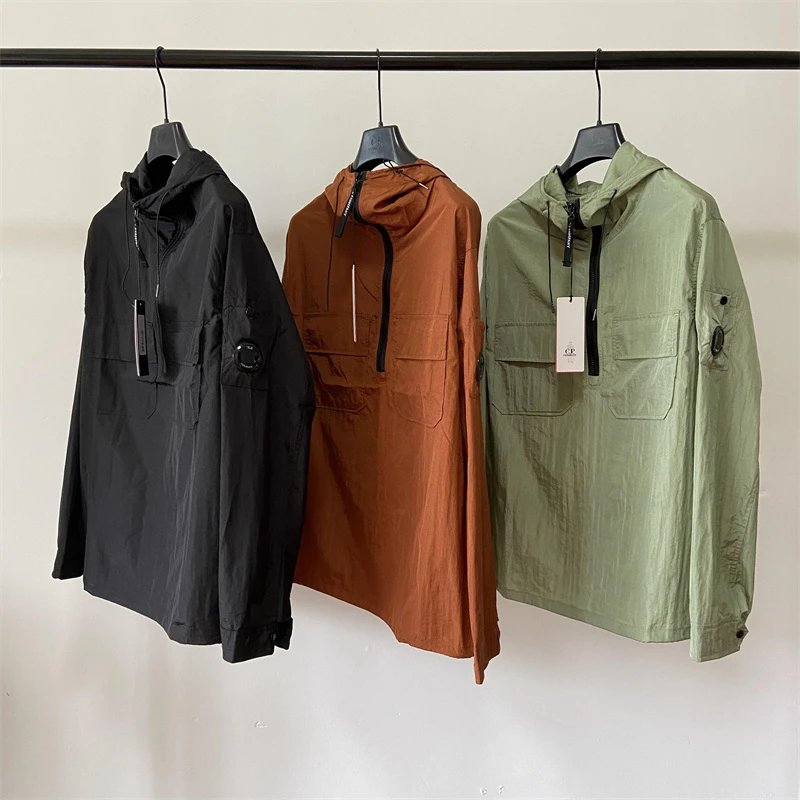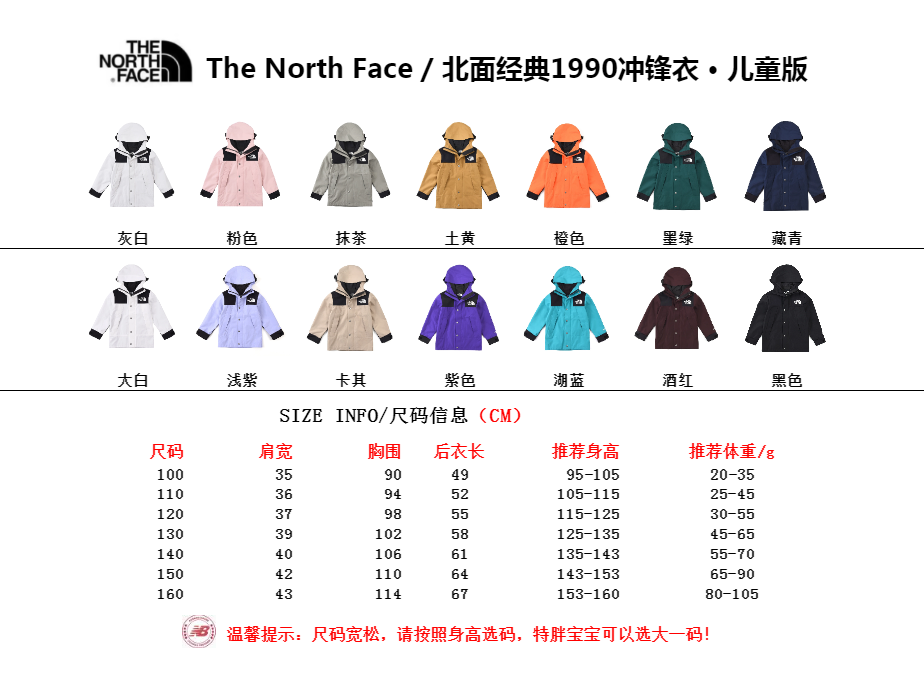
Begin with a discovery question
Decide what you are trying to find before opening dozens of albums. A question such as “show me low-profile shoes in a dark color” is more useful than “find something good” because it gives you visible criteria. Keep the first criteria broad enough to browse: product type, general shape and dominant color are usually observable. Material, performance, authenticity and stock are not safe starting filters unless the source explicitly provides them.
An exact item ID changes the task. If you already have a number from OnetooneYupoo, use the spreadsheet search or Find Item form before attempting descriptive search. The ID is meant to resolve one record, while a title fragment may return several similar records. If the ID does not resolve, check every digit and preserve the original clue; do not trim the number until an unrelated page happens to load.
Move from a broad hub to a small result set
Choose a maintained category that describes what the product is: shoes, jackets, bags, accessories, jerseys or another visible type. A category page gives you a stable route and crawlable pagination without turning every filter combination into a public landing page. Use a high-confidence subcategory when it matches your intent, then add one discriminating term only if the result is still too broad.
Treat brand filters as optional navigation. A brand label in the database can help you browse, but it does not prove affiliation, authorization or authenticity. When you are not sure of the label, leave it out. Combining a guessed brand with a guessed material can hide the correct item twice. A larger neutral result set is easier to evaluate than a small result set built from unsupported assumptions.
Compare the full visual record
Open each candidate item page and review the complete gallery. Covers are selected for recognition, not for exhaustive comparison. Later images may show the back, sole, closure, lining, pocket layout, strap, hardware or a second variation. Compare the same fields across candidates so the decision is repeatable. For shoes, that might mean silhouette, sole, closure and visible colorway; for bags, it could be dimensions only when stated, carrying format, closure, strap and compartments.
Write observations as observations. “The gallery shows a zip closure” is different from “the zipper is durable.” “The pair appears dark blue in these images” is different from a guaranteed color specification. Photography can change color and scale, so mark those fields for confirmation when they matter. This keeps your shortlist factual and prevents an image-based inference from becoming an order instruction.
Build a shortlist that preserves identity
Save the permanent item URL and numeric ID together. Add a short note describing why the item remains on your list, and keep screenshots secondary to the URL. Search pages can reorder when new products are imported; canonical item pages are designed to stay stable. If a title or category is later corrected, the numeric identity still connects your note to the intended record.
Limit the first shortlist to records you can genuinely compare. Number each item without reusing numbers, even after you remove a candidate. When you send the list, put one ID and URL in each block and state the requested variation on a separate line. If a reply addresses only two of five items, the numbering makes the unanswered fields obvious instead of encouraging you to apply one answer to every product.
Confirm before moving from discovery to action
A catalog result is not a stock check, price quote or shipping promise. Ask whether the exact item and pictured variation can currently be discussed, and request the measurements or included parts that affect your decision. Keep the answer with the item ID. If the response supplies a separate purchase link, label it as the purchase link rather than replacing the catalog URL in your notes.
When a shopping agent is involved, review the provider's current supported-link process and restricted-item guidance on its official site. An album or catalog URL may need a manual order form. The agent is separate from the album owner, and an agent profile on this site does not imply a partnership. Preserve the same item ID through the agent order and warehouse review so every handoff can be checked against the original gallery.
- State the visible product type and one or two useful clues.
- Browse a primary category and a high-confidence subcategory when available.
- Open full galleries and compare a consistent set of visible fields.
- Save canonical item URLs and IDs in a numbered shortlist.
- Ask focused questions about unknown or changeable details.
- Carry the same product reference into any agent workflow.
Useful tips
- Use visible nouns before marketing language.
- Remove an unsupported filter before adding a new one.
- Record why each item is on the shortlist.
- Keep availability, price and shipping as separate confirmation steps.
- Report a missing exact match instead of substituting a similar item.
Common questions
Does a Yupoo find mean the item is currently available?
No. It means you found a catalog or album reference. Availability can change and should be confirmed for the exact item ID and variation.
How many products should I put in a first shortlist?
Use a small set that you can compare consistently. A focused shortlist is easier to verify than a large collection of unlabeled screenshots.
Can I identify material or quality from product photos?
Photos may show visible texture or construction, but they do not establish composition, performance or quality. Ask for current, explicit information when those fields matter.
What should I do if no exact item matches my screenshot?
Keep the result unresolved. Share the original context and visible clues through the contact route instead of publishing or ordering a guessed match.