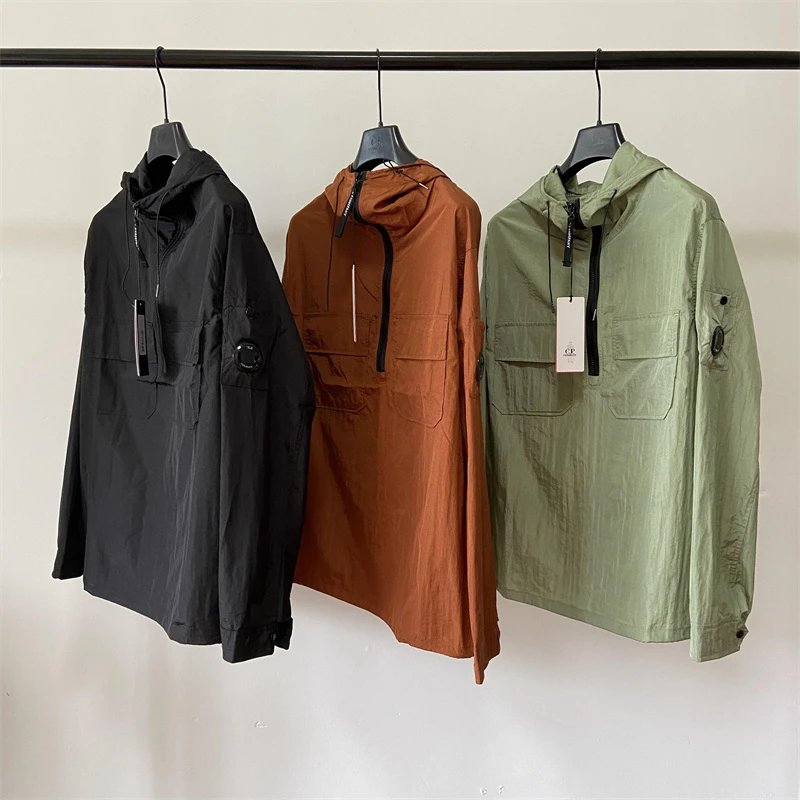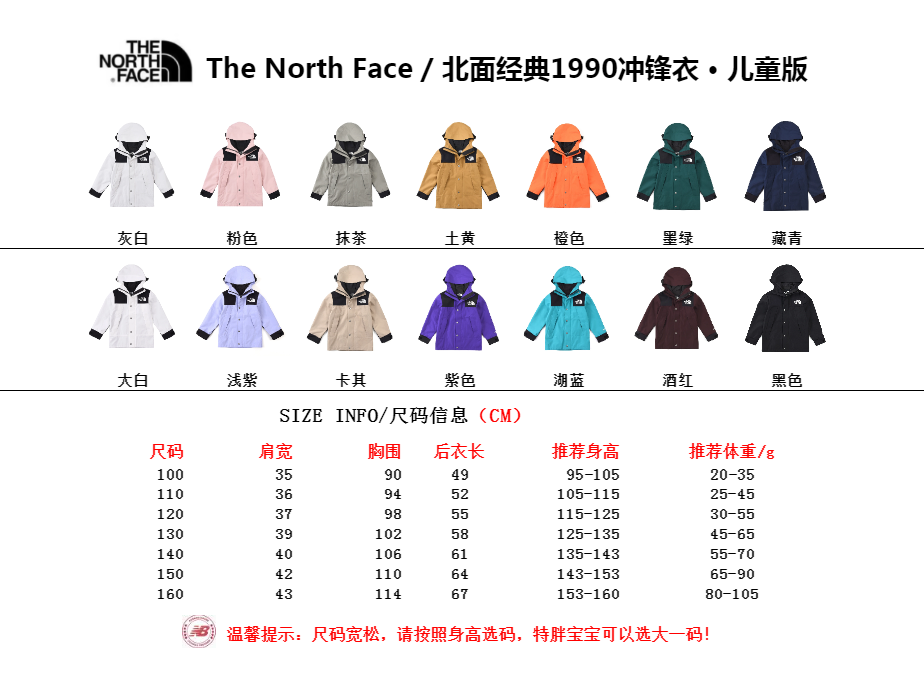
Category browsing works well when you know the type of product but not a specific item ID. A good category page is more than a product grid: it explains the scope, provides crawlable pagination, links to related guidance and keeps temporary filters out of the search index.
Choose the broad category first
Start with shoes, jackets, hoodies, T-shirts, pants, women's fashion, accessories, bags, watches, headwear or lifestyle finds. The label should describe what the item is, not make a claim about its material or origin.
If an item could fit several categories, the catalog uses one primary route and may connect secondary navigation separately. The item URL itself does not change when the category is corrected.
Add one useful filter
A brand filter can reduce a large category. A search term can isolate a visible style such as denim or high-top. Apply them one at a time so you understand why results changed. Clear old filters before starting a new intent.
Filtered combinations use noindex,follow because they are navigation states. The main category page remains the indexable hub.
Use pagination and related links
Move through server-rendered pages rather than relying on endless scroll. Every product remains reachable, and your browser history keeps your place. Open promising items in new tabs, then compare their galleries.
Related categories and guides at the bottom help when the initial category is too broad or the product type is ambiguous.
Finish with the item ID
Once you choose a record, stop referring to only the category name. Use the numeric item ID and canonical URL in every message.
- Open Categories.
- Choose the closest product type.
- Apply one brand or keyword filter.
- Review paginated results.
- Open full galleries.
- Contact with the exact item ID.
Interpret category pages as maintained navigation
A category is an editorial model of the catalog, not an intrinsic fact attached to every photograph. Editors choose a primary category so each item has a clear browsing home, then may use a secondary category or tags for additional discovery. This keeps canonical URLs independent from taxonomy. If a jacket is moved from a general outerwear group into a more precise class, the item ID and item page do not change. That stability is why you should save item URLs rather than relying on the position of a card inside a category.
Category descriptions explain scope and common browsing choices, but they should not claim that every record has the same construction, market status or source. Counts include published catalog records under the current mapping. They may change after imports, archives or classification corrections. Use a count to understand the size of a section and pagination to reach all records, not as a measure of demand, availability or product quality. The popular sort is curated and intentionally does not expose invented sales numbers.
If a category is too broad, inspect its visible subcategories and related guides before adding free-text search. A structured child category usually produces a cleaner result than several descriptive words. If no child fits, add one visible feature as a keyword. Brand filters should be used only when the label is part of your intent. Combining an uncertain brand with an uncertain material can hide the correct item twice, so remove unsupported assumptions and broaden the result set methodically.
Empty and very small combinations need careful SEO treatment. They can still be useful navigation states for a person, but publishing thousands of near-empty pages would weaken the site's index structure. This catalog keeps query combinations out of the index and applies thresholds to brand-category pages while preserving crawlable main categories and pagination. For visitors, the practical rule is simple: navigate freely, but share the final item page. The category route explains where you searched; the item route identifies what you found. If the category appears incomplete, report a specific item ID instead of requesting a new public filter page from an assumption. Editors can then correct the mapping without changing the product's canonical identity.
- Choose the closest maintained main category.
- Prefer a subcategory over several keywords.
- Add only a supported brand or visible feature.
- Use counts as navigation, not availability evidence.
- Save and share the canonical item page.
Useful tips
- Category counts are catalog counts, not stock.
- Use related products before starting over.
- Share item pages, not category pages, for inquiries.
- Expect taxonomy to improve without changing item identity.
Common questions
Why is a product in an unexpected category?
Catalog mapping can be corrected as source data improves. The item ID remains stable; report a mismatch through contact.
Are filtered pages in the sitemap?
No. Sitemaps include core category and item URLs, not arbitrary query combinations.
Can one item appear in related categories?
It can have secondary navigation relationships while retaining one canonical item page.
Useful tips
- Category counts are catalog counts, not stock.
- Use related products before starting over.
- Share item pages, not category pages, for inquiries.
- Expect taxonomy to improve without changing item identity.
Common questions
Why is a product in an unexpected category?
Catalog mapping can be corrected as source data improves. The item ID remains stable; report a mismatch through contact.
Are filtered pages in the sitemap?
No. Sitemaps include core category and item URLs, not arbitrary query combinations.
Can one item appear in related categories?
It can have secondary navigation relationships while retaining one canonical item page.