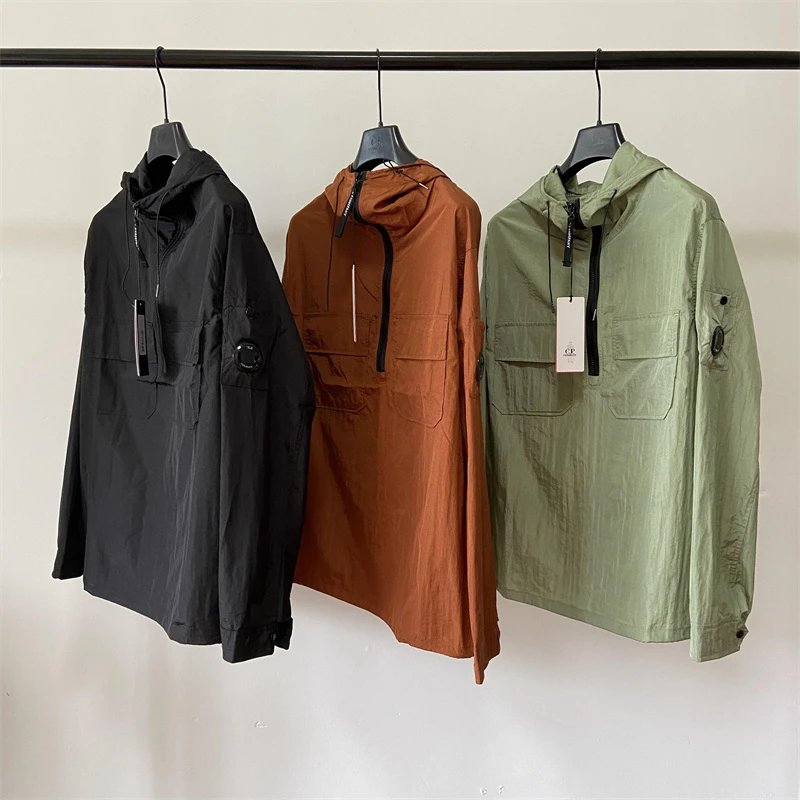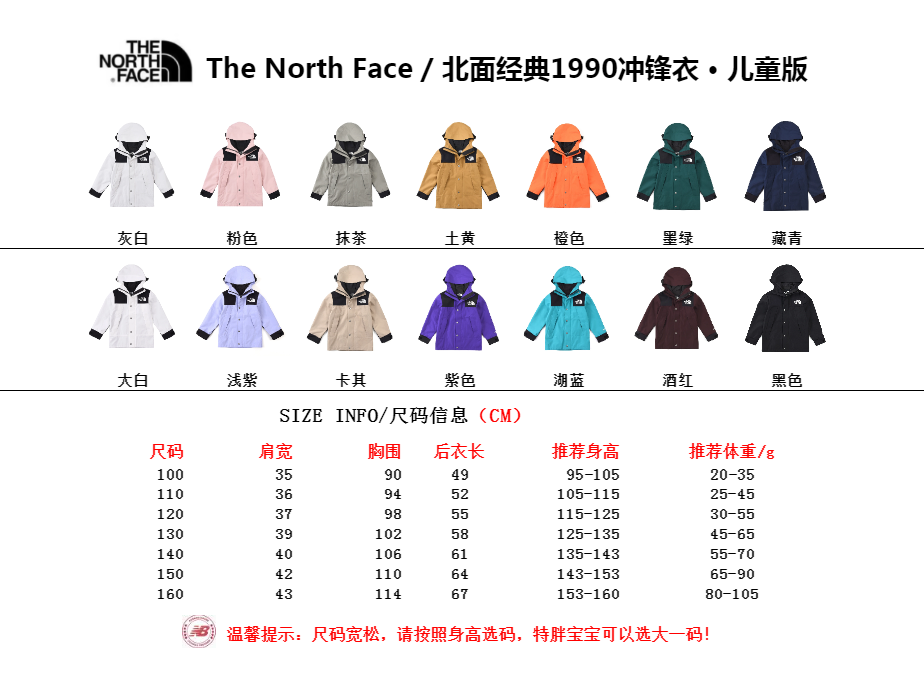
Yupoo is commonly used as an image-album platform. A seller or supplier can organize product photos into albums, add short descriptions, and share a public link. It is useful for visual discovery, but it is not automatically a store, payment service, quality guarantee, or shipping company. Knowing that boundary helps you read an album accurately and avoid assumptions that the page does not support.
An album platform, not a checkout
A typical album contains a cover, detail photos, a title and sometimes a product code. Some albums include a separate marketplace link; others provide only visual references. Price, inventory and size information may be missing or may change after the album was published. Treat the album as a starting record and confirm current facts before ordering.
Yupoo hosts many unrelated publishers. The platform name does not tell you who produced an item, whether a seller is trustworthy, or whether a product is available in your country. Evaluate the exact album owner and the exact item instead of treating every Yupoo page as one shop.
How catalogs make albums easier to use
A structured catalog can give each product a stable item ID, connect it to a category and place similar records together. That reduces the need to scroll through one long timeline. On OnetooneYupoo, the spreadsheet and category pages are navigation tools; the item page is the permanent reference you can send in a message.
Catalog labels are intentionally conservative. A category or brand name helps discovery, but material, stock, shipping time and authenticity are not inferred from a photo. When those facts are not present in the source data, the page does not invent them.
A sensible browsing workflow
Start with a clear clue: an item ID, a product type, or a visible feature such as denim, high-top, or shoulder bag. Open several item pages and compare the actual images. Save the permanent URL of the item you mean; screenshots without an ID can be hard to match later.
- Search the spreadsheet or choose a category.
- Open the item page and review every available image.
- Note the item ID and the variation shown.
- Use the prepared WhatsApp message to ask for current details.
- Confirm the exact item again before using any third-party buying service.
What to verify
Ask only questions that matter to your decision: whether the item is currently available, which colors or sizes can be discussed, what images correspond to the selected variation, and what link or instructions should be used next. Keep the answer with the item URL so details from two products do not get mixed.
If a buying agent will handle the next step, confirm the agent's current process on its own website. Agent policies, accepted links and fees can change. A guide can explain the general workflow, but it cannot replace the provider's current rules.
Reading an album without filling in the blanks
Album pages are visually persuasive because the photographs occupy most of the screen, but the missing fields matter just as much as the visible ones. Look separately for a product code, a date, written options and a link supplied by the publisher. If a detail is absent, record it as unknown instead of deriving it from the photography. Lighting can alter color, close crops can hide scale, and a collection title may describe several albums rather than the item currently open. This habit produces a cleaner inquiry and prevents an attractive image from becoming an unsupported product specification.
It also helps to distinguish source text from catalog text. Source text is what the album owner published. Catalog text may normalize capitalization, remove formatting noise or place the record in a useful category. Those edits make discovery easier, but they should not silently strengthen the original claim. A responsible catalog preserves the source identifier, displays factual navigation labels and lets uncertain attributes remain uncertain. If you need composition, measurements, included accessories or a current option list, ask about those fields directly and keep the reply with the item record.
Dates require similar care. An album creation date can show when the record first appeared, while an update date can show that something on the page changed. Neither date proves current availability. A mirrored image date describes the catalog process, not the product. When you compare two records, use dates to understand the source history rather than to rank quality or freshness automatically. The stable item ID is designed to survive routine updates, so it is the best key for returning to a product after an album title, image order or category has changed.
Finally, remember that several organizations may be involved after discovery. The album platform hosts media, the album owner controls its content, a contact answers product questions, a payment service handles funds, and a shopping agent may purchase or forward a parcel. Their policies and responsibilities are not interchangeable. Write down which party supplied each instruction, open official domains independently, and do not transfer a promise from one stage to another. That simple separation makes a Yupoo-based workflow much easier to audit if a link, option or instruction later changes.
- Identify the album owner and the exact album ID.
- Mark visible facts separately from missing information.
- Save the canonical catalog item URL and numeric ID.
- Ask focused questions about the unknown fields.
- Record which party supplied each later instruction.
Useful tips
- Use the item ID in every message.
- Open the full image set, not only the cover.
- Treat old album text as historical until reconfirmed.
- Do not assume that platform hosting equals endorsement.
Common questions
Can I pay on Yupoo?
Many albums have no checkout. The album owner may provide separate contact or marketplace instructions, which you should verify independently.
Does an album prove an item is in stock?
No. A published album can remain visible after availability changes. Ask for current information using the item ID.
Is every Yupoo seller the same?
No. Album owners are independent. Review the specific source and do not transfer claims from one publisher to another.
Useful tips
- Use the item ID in every message.
- Open the full image set, not only the cover.
- Treat old album text as historical until reconfirmed.
- Do not assume that platform hosting equals endorsement.
Common questions
Can I pay on Yupoo?
Many albums have no checkout. The album owner may provide separate contact or marketplace instructions, which you should verify independently.
Does an album prove an item is in stock?
No. A published album can remain visible after availability changes. Ask for current information using the item ID.
Is every Yupoo seller the same?
No. Album owners are independent. Review the specific source and do not transfer claims from one publisher to another.