Classify the clue before searching
Decide whether the number or phrase you have is a catalog item ID, source album ID, product code, printed design element or descriptive term. These clues belong to different fields. An OnetooneYupoo item ID should resolve through the exact ID search. A long source album ID belongs with the source link. A code may appear in multiple titles, and a number visible on a jersey can be part of the design rather than an identifier.
Keep the original clue intact in your notes. If an exact lookup fails, do not remove digits or punctuation at random until something matches. Mark the lookup as unresolved, then move to broader evidence such as the original page, product type and image characteristics.
Search the structured catalog from strongest to weakest evidence
Use the item ID first, then a distinctive product code, then a concise title fragment. For descriptive search, start with the product noun and one visible feature. “Denim jacket embroidery” is usually more useful than a long string of marketing adjectives. Replace one term at a time so you understand how the result set changes.
Move to a primary category when the text search is noisy. High-confidence subcategories can narrow the catalog without adding speculative attributes. Brand filters are useful only when the label is supported by the source record. If you are uncertain about a brand, leave it out and compare images; a false filter can remove the correct result.
Use album structure as context
A publisher profile can contain many albums and collections. Read the surrounding category, album title, image order and source link instead of treating one downloaded image as the complete record. Neighboring albums can clarify naming conventions or show related variations, but adjacency does not prove that two products are identical.
Dates indicate when a source record or catalog copy changed, not whether the item is in stock. Image filenames may be generated and may contain unrelated numbers. Use album structure to understand the source, while keeping the product match dependent on identifiers and the complete visual record.
Compare candidates with a fixed checklist
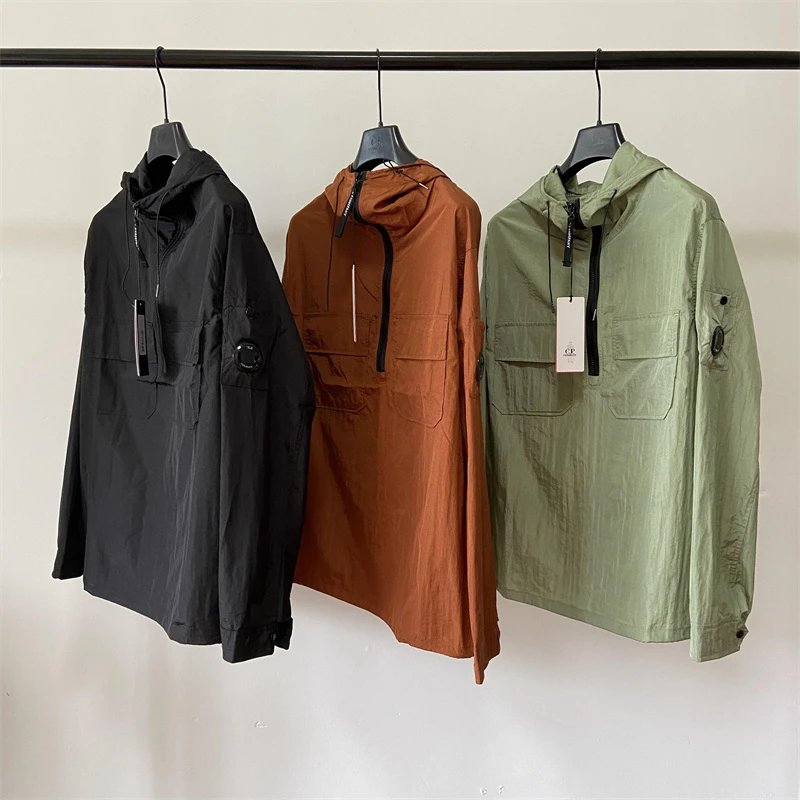
Open full galleries and compare the same visible fields across each candidate. For shoes, review silhouette, sole, closure and colorway. For jackets, review length, closure, collar, pockets, lining views and graphic placement. For bags, review carrying format, closure, strap, hardware and compartments. These are comparison fields, not claims about quality or material.
Record disqualifying differences as well as matches. If the screenshot shows a back graphic that a candidate gallery does not show, mark the field unknown rather than assuming it is absent. If a visible element directly conflicts, remove the candidate. A disciplined checklist stops a generally similar item from being promoted to an exact match.
Know when to stop searching and request help
If no record matches, prepare a missing-item report with the original URL when available, an uncropped screenshot, the visible characteristics you used, and the queries already tried. Do not name a brand or model you cannot verify. An editor can then determine whether the item is unpublished, mapped differently, absent from the authorized source or waiting for synchronization.
The same rule applies to video relationships. A filename, category resemblance or visual similarity is not an exact Product ID link. Uncertain media should stay in DRAFT. Product discovery is more trustworthy when it can say “no verified match yet” rather than manufacture a clean but unsupported connection.
Keep unresolved requests separate from your confirmed shortlist. If a later import adds a plausible record, repeat the full-gallery comparison instead of assuming that the newest result must be the missing product.
- Label the clue as an item ID, album ID, code or description.
- Search exact identifiers before descriptive terms.
- Use one primary category and only supported filters.
- Compare complete galleries with a fixed visible checklist.
- Save the canonical URL when one record is confirmed.
- Report unresolved searches with original context instead of forcing a match.
Useful tips
- Preserve the original clue before normalizing it.
- Search fewer, stronger words.
- Use category structure before guessing a brand.
- Compare disqualifying differences, not only similarities.
- Leave uncertain matches unresolved.
Common questions
Can I search OnetooneYupoo with a Product ID?
Yes. Numeric IDs and common forms such as #ID or Product ID are handled as exact catalog lookups.
Why can a product code return several records?
Codes and title fragments can be reused or incomplete. Verify the complete gallery and canonical item ID before choosing a result.
Should I guess the brand from a logo in a screenshot?
No. Use a brand filter only when the source mapping supports it. A visible mark alone is not proof of brand identity or authenticity.
What happens when no exact product is found?
Keep the result unresolved and share the original source context. Do not create a public relationship or order from a visually similar substitute.