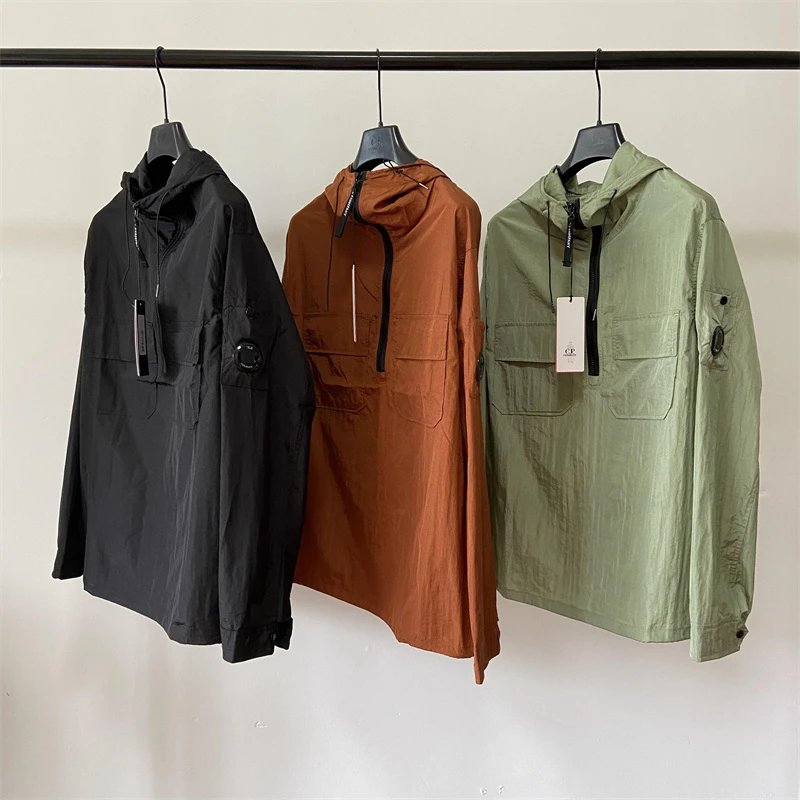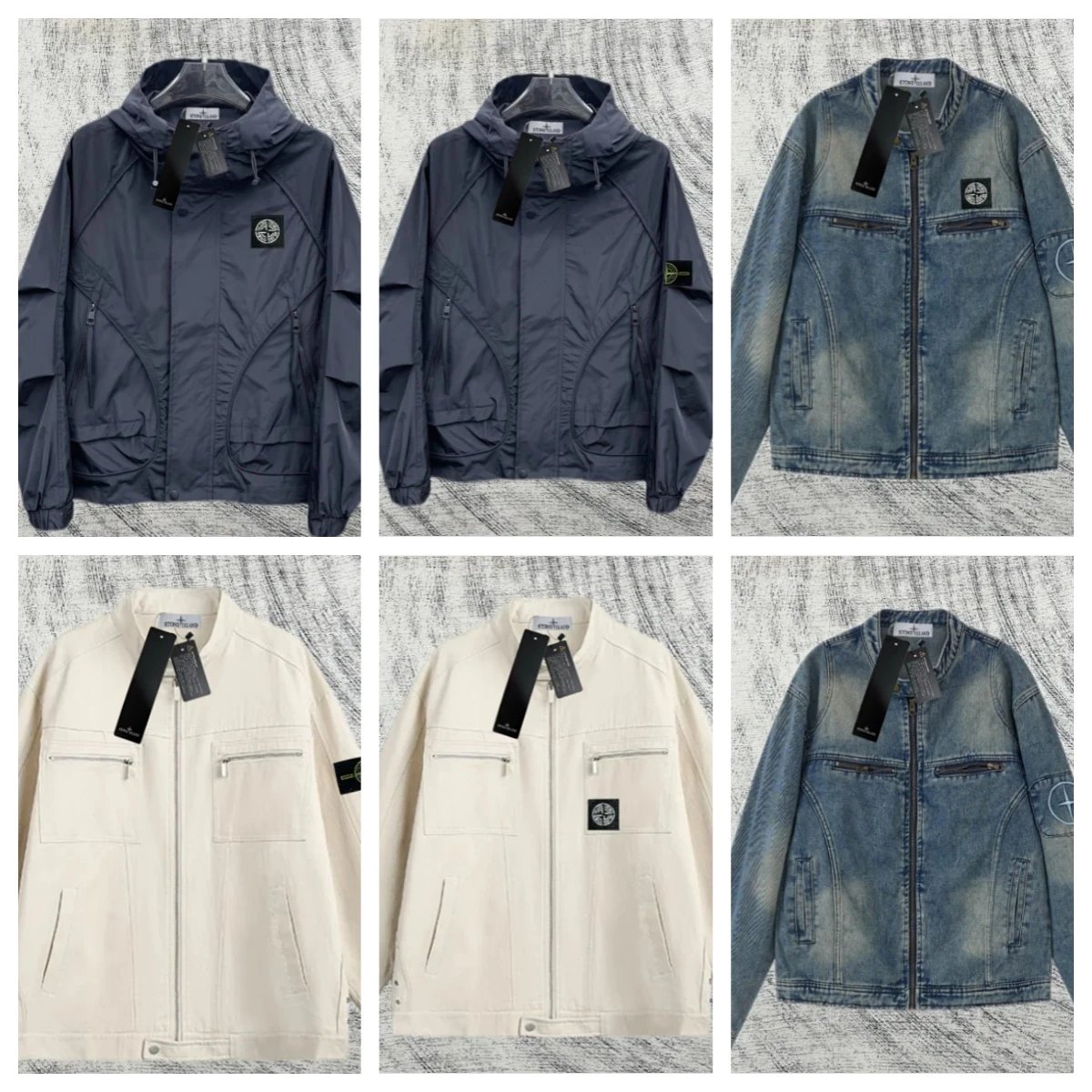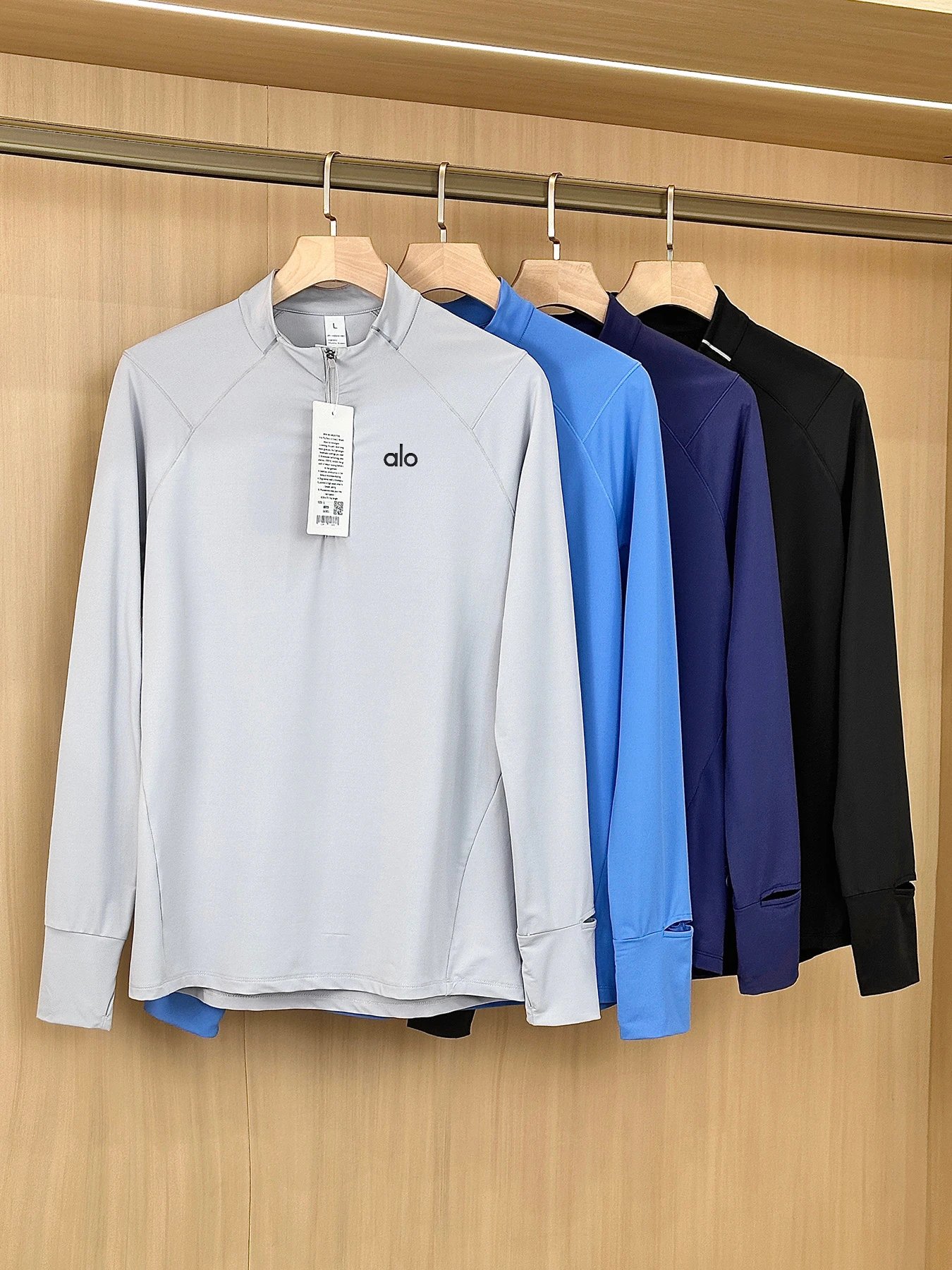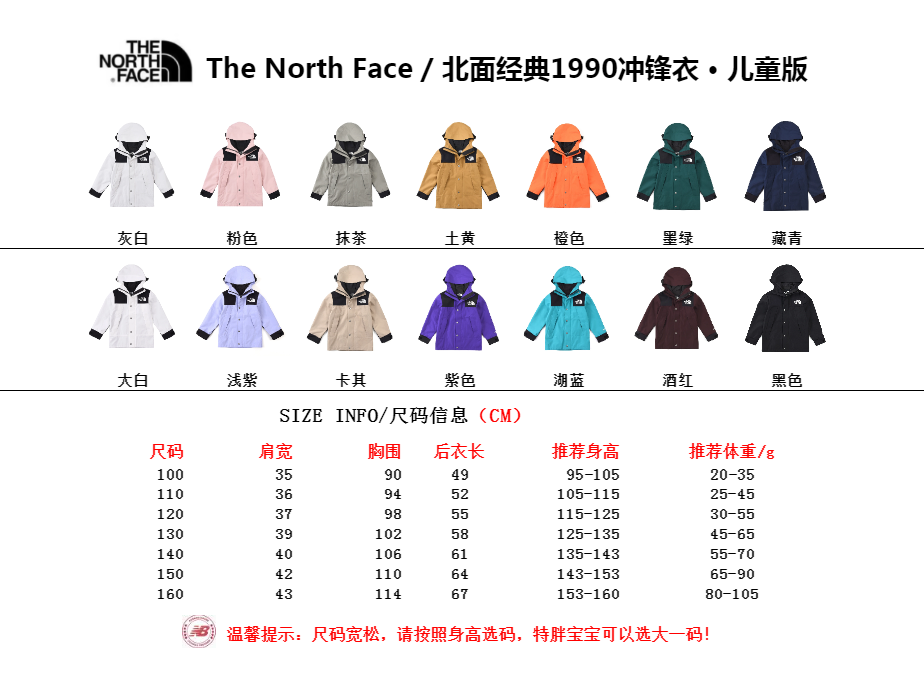
Confirm the product reference before opening the agent form
Review the full item gallery and write down the OnetooneYupoo item ID, canonical URL and selected variation. If a source album link is available, verify that its images correspond to the same record. Do not replace an exact record with a similar album because the title is shorter or the agent interface accepts it more easily.
Ask for current product information when availability, size, measurements or included parts affect the decision. Save the response date. A product packet should contain confirmed facts and clearly marked unknowns, not assumptions drawn from a photograph. This makes it easier for the agent buyer to understand what needs clarification.
Check the agent's current supported-link process
Open the agent's official website independently and read its current instructions for product links, manual orders, restricted items and destination eligibility. Some interfaces parse supported marketplace pages automatically. A Yupoo album or catalog link may open a manual order form instead. Providers can change these workflows, so a community screenshot or an older tutorial should not be treated as the current rule.
An agent profile in this directory is an independent editorial reference, not evidence of partnership, approval or universal support. Confirm the exact seller and item before paying. If the provider does not clearly explain how to submit an album-based request, ask its official support rather than placing the link in a random text field.
Complete a manual request without ambiguity
Put the catalog item ID and canonical URL at the top. Add the source album link under a separate label. Then state quantity and the exact variation in separate lines. Include one or two visible details that distinguish the choice, such as the pictured color, closure or graphic placement. Do not claim material, authenticity or performance unless the source has explicitly supplied that information and the agent needs it.
If the manual form asks for a price or domestic shipping amount that you do not know, do not invent one to make the form submit. Follow the provider's instructions for unknown fields or ask support. Likewise, do not enter an arbitrary brand, size or seller name. A REVIEW or clarification step is safer than a neat form built from guessed data.
Inspect every automatically parsed field
When the interface accepts a link, compare its generated title, cover image, seller, options and destination URL with your product packet. Parsers can choose a default variation or display a nearby product. A successful technical import does not confirm product identity. Stop if the image or options do not match, and correct the base link before editing smaller details.
Review the order again immediately before payment. Save the agent order number beside the catalog ID. If the provider supplies a replacement listing, keep both links and ask whether the identity and selected variation remain unchanged. A replacement link is a new piece of evidence, not an automatic equivalent.
Carry the reference into warehouse review
When warehouse photos or inspection notes appear, compare them with the saved gallery and variation. Look for obvious visible mismatches in color, quantity, shape, design placement and requested option. Standard photographs may not establish measurements, hidden construction, material or authenticity. Use the provider's support route within its stated review window when the evidence is incomplete.
Treat international parcel submission as a separate decision. Recheck restrictions, packed measurements, route availability, insurance terms and the delivery address. Keep the parcel number with the order and catalog IDs. This chain does not guarantee an outcome, but it prevents the product reference from being lost as responsibility moves between seller, buyer, warehouse and carrier.
If support replaces the seller link after warehouse arrival, record the change rather than editing the original packet. A dated history allows you to compare what was requested, what was purchased and what was received without relying on a rewritten title.
- Save the item ID, canonical URL and exact variation.
- Verify the source album and current product information.
- Read the agent's official link and manual-order instructions.
- Submit labeled facts without guessing missing fields.
- Compare every parsed field before payment.
- Map warehouse and parcel records back to the same item ID.
Useful tips
- Use the full HTTPS URL, not a shortener.
- Keep one product per request block.
- Repeat the item ID in order remarks.
- Save the order before and after any replacement link.
- Recheck shipping as a separate stage.
Common questions
Can every shopping agent process a Yupoo link?
No. Supported link types and manual-order workflows vary. Check the provider's current official instructions for the exact seller and item.
What if the agent form asks for information I do not have?
Do not guess. Use the provider's process for unknown fields or contact official support before paying.
Does automatic link parsing prove the correct item was selected?
No. Compare the generated title, image, options and destination with your saved product packet.
What should I check in warehouse photos?
Check visible identity and the requested variation. Do not infer hidden materials, performance or authenticity from standard inspection photographs.